
SeekOut – Chrome Extension
https://www.seekout.io
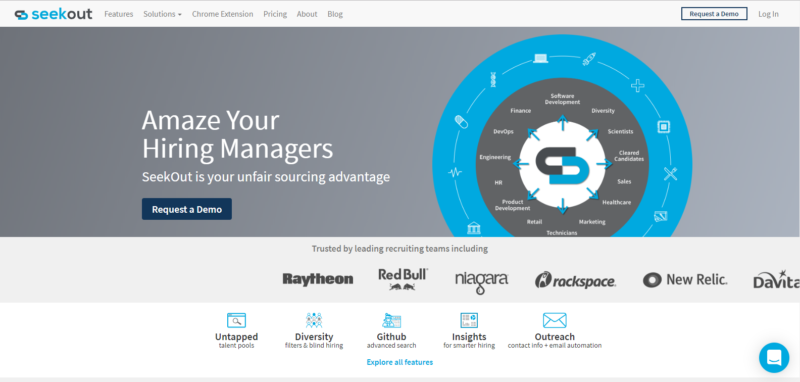
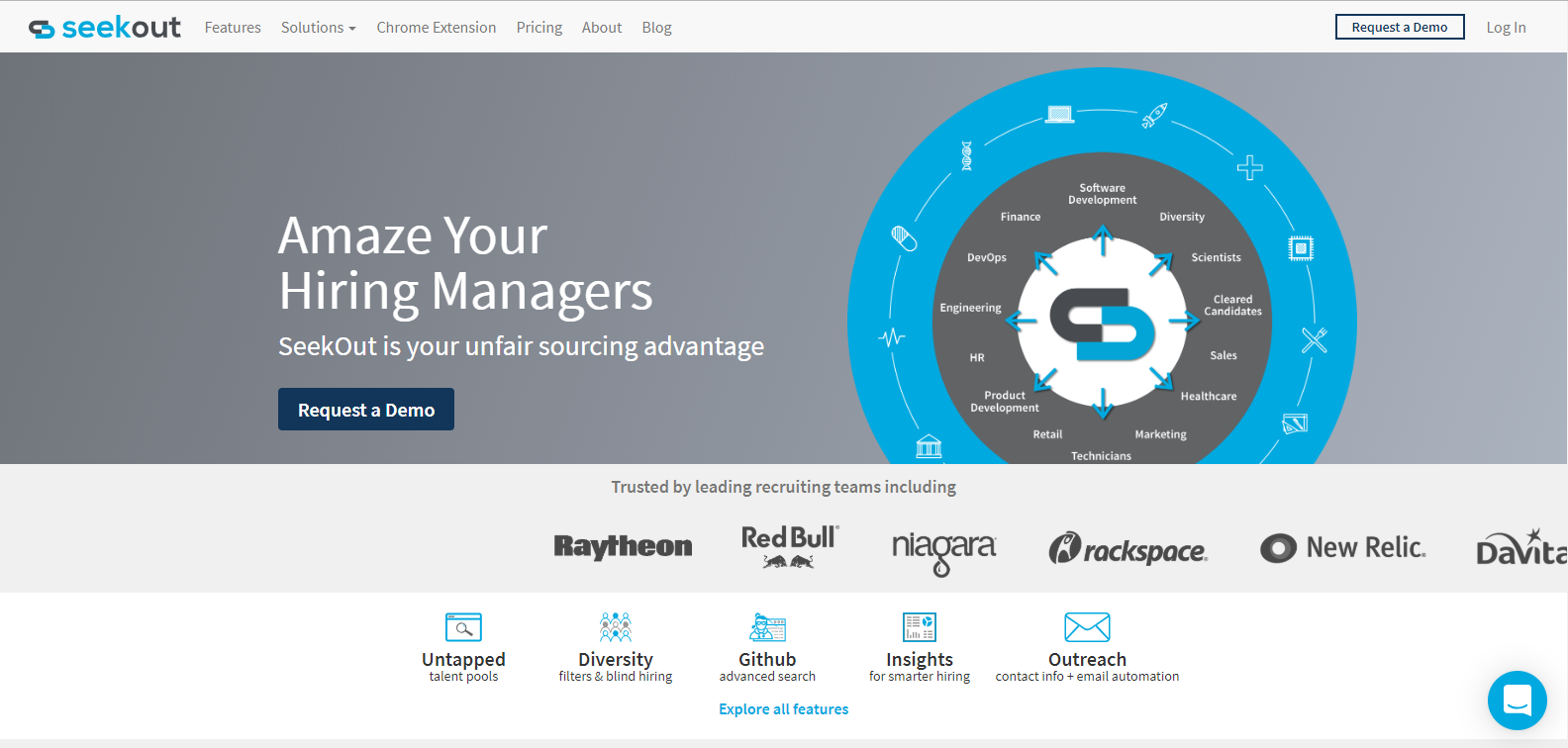
What does SeekOut do? SeekOut’s mission is to build innovative tools that make recruiters and sourcers more efficient, more effective, and more successful. SeekOut was built for recruiters and sourcers and is an efficient passive candidate tracking system. Their background working in search, messaging, machine learning/AI allows a unique perspective in the sourcing space.
Price: Free
The Good: The intuitive search functions allow users to specify exactly the types of candidates their hiring managers are looking for (especially helpful for sourcing diverse candidates). The also love the visibility into candidates that SeekOut offers by combining data from LinkedIn, GitHub and other sources. It’s also significantly cheaper than LinkedIn Recruiter. Great lead generation tool.
The Bad: There’s nothing to dislike.
Limitations: Seekout doesn’t currently allow more than one person to add candidates to a folder at the same time.
ContactOut – Chrome Extension
https://www.contactout.com
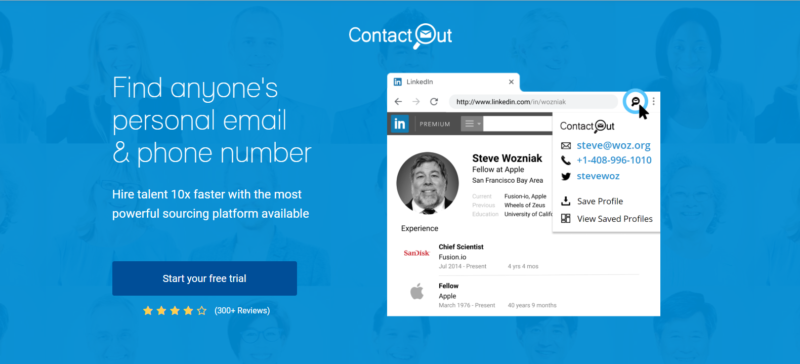
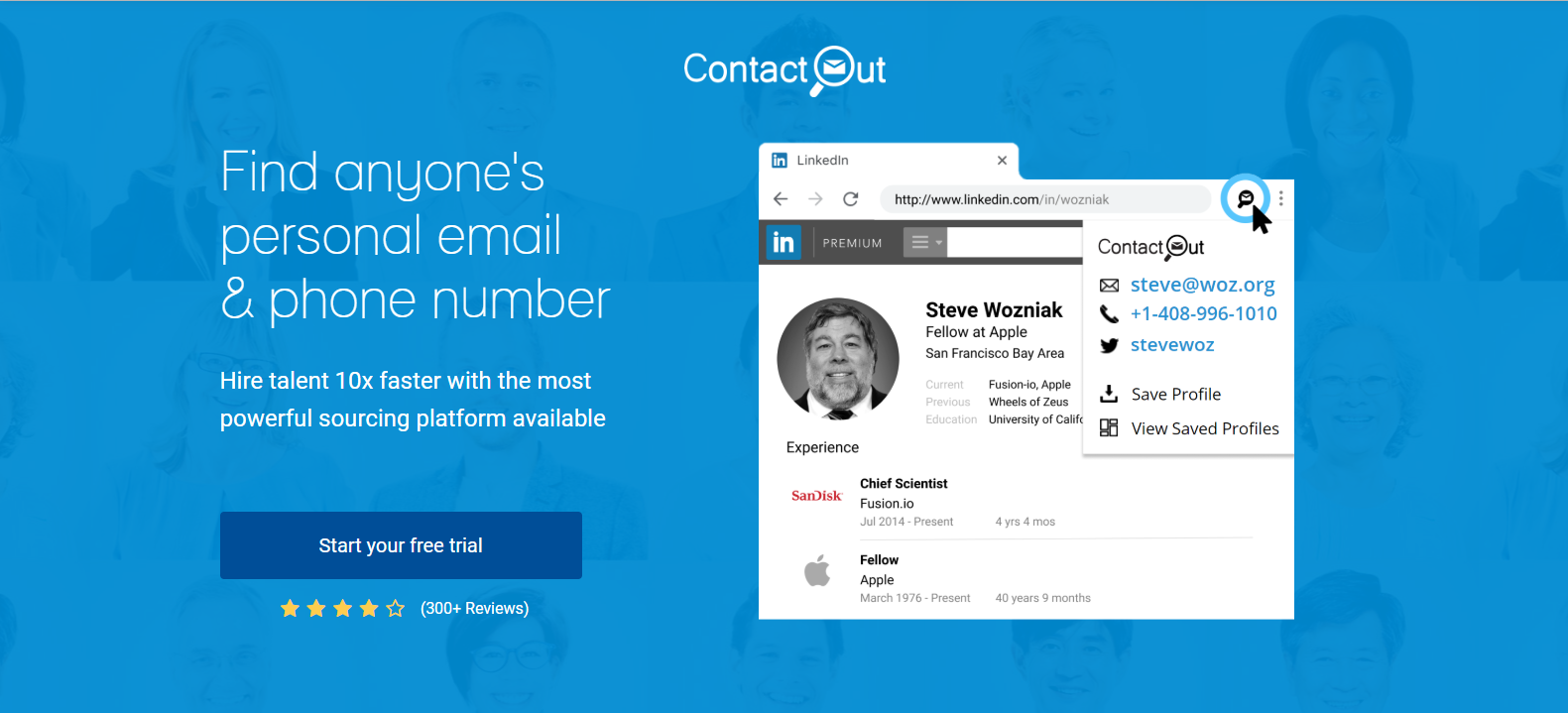
What does ContactOut do? ContactOut is a recruitment sourcing tool used by 30% of FORTUNE 100 companies. Our users include Microsoft, MERC, and Bank of America. ContactOut adds a powerful overlay on top of LinkedIn profiles that displays phone numbers, email addresses, and social media profiles.
Price: Free 30 Day Trial. We provide pricing based on inquiries for both personal and enterprise use.
The Good: This is where I go when I’ve exhausted all other options and desperately need someone’s email. Essentially, ContactOut is a Chrome extension with access to 60% of all LinkedIn users’ profile information. If you verify your account, you’ll be given a few credits a day until the expiration of your free 30 day trial. Each credit will give you access to the information on anyone’s LinkedIn profile (personal email, phone number, etc.).
The Bad: None.
Limitations: You may have to restart by logging in since sessions can be limited in time.
Hunter – Chrome Extension
https://www.hunter.io
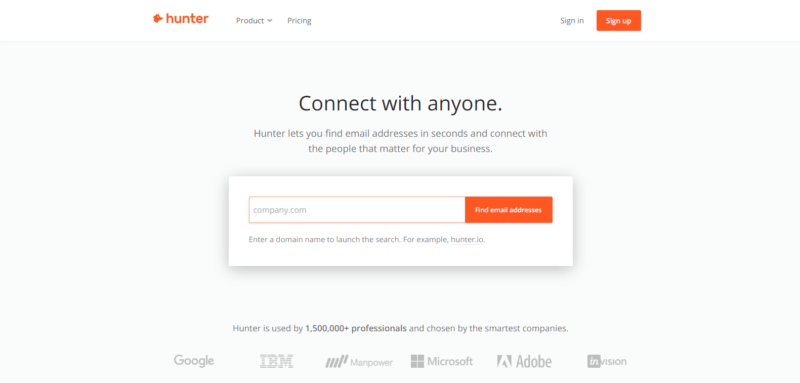
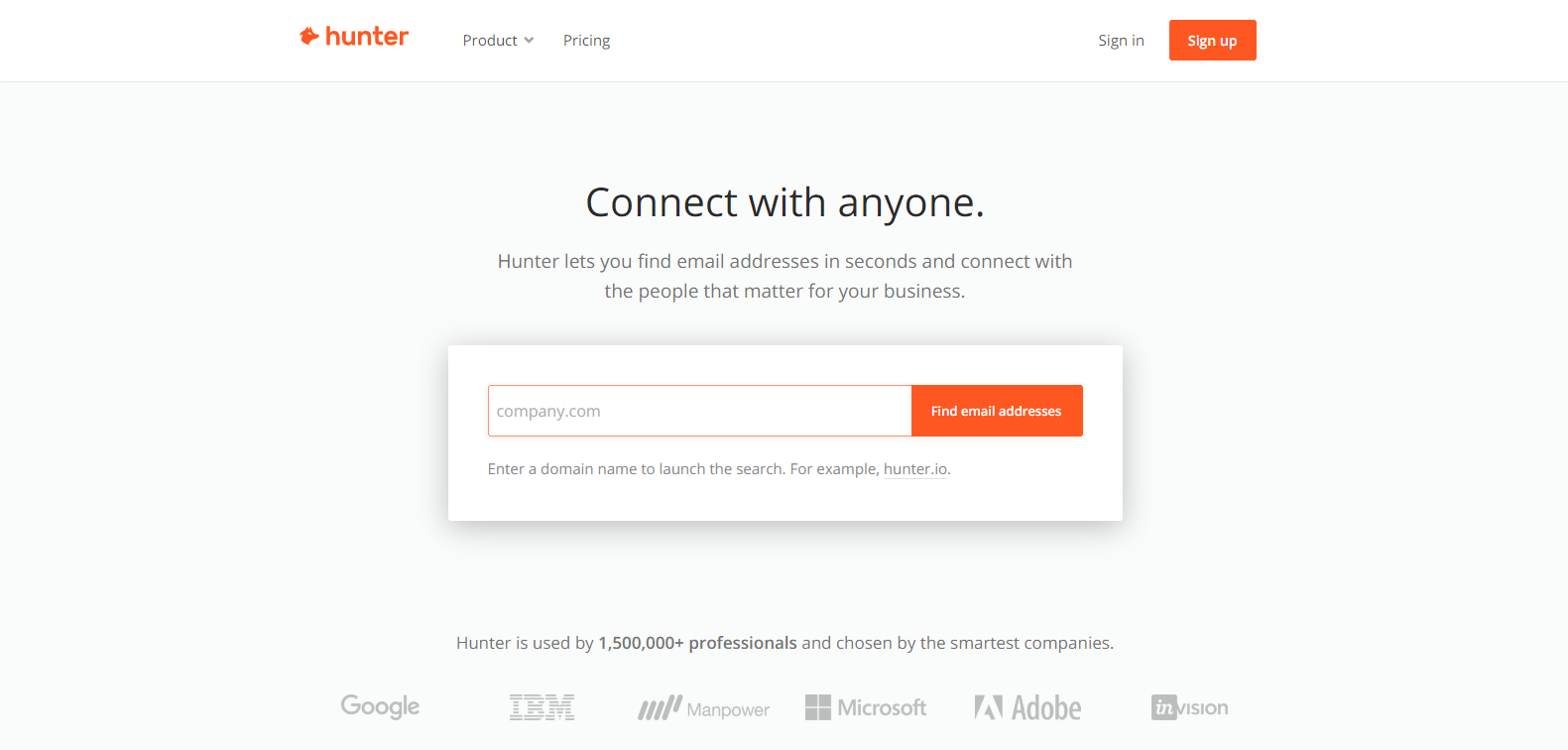
What does Hunter do? Hunter lets you find email addresses in seconds and connect with the people that matter for your business. Hunter’s Chrome extension lets you immediately find the email addresses behind the websites you’re browsing.
Price: Free – Limited to 50 requests a month, Starter – 1,000 for $34/month, Growth – 5,000 for $69/month, Pro – 20,000 for $139/month, Enterprise – 50,000 for $279/month.
The Good: Simply enter a company’s website and watch as Hunter pulls up a directory of all the employees in the system. Hunter also makes available the most common company-wide email format (ie, first.lastname@company.com). If you’re looking for a specific email, run a search for a person’s name and company domain (i.e.,provenrecruiting.com) and Hunter will generate their email. Hunter comes with 100 free searches/month.
The Bad: None.
Limitations: Limited to 50 free email requests per month, after that you must pay for the service.
GitHub – Engineering Community/Social Network
https://www.github.com
What does GitHub do? GitHub provides a Web-based graphical interface. It also provides access control and several collaboration features, such as a wikis and basic task management tools for every project. As a recruiter, you can source GitHub for hard-to-find software developers, engineers, and architects. As of June 2018, GitHub reports having over 28 million users.
Price: Basic – Free, Pro – $7/month, Team – $9/month
The Good: Unlimited public repositories -Searching is extremely well implemented -Main host of open source software -Branch management and easy merge process -Easy to track code changes via commit messages -Highlights changes made to your code in comparison to previous commit -Desktop client has made it even easier to use -Social media like aspects are great and allows you to stay up to date with friends and colleagues projects -Built in issue tracker allows bugs to be fixed and features to be implemented in a timely matter.
The Bad: Searching profiles on GitHub is challenging but you can use Connectifier Social Links to pull the username. Once you have the prospect’s Github username, enter it into the following url in lieu of ‘username.’
Limitations: There’s a slight learning curve of using this tool to find relevant candidates. Using tools such as Recruit’em and/or Connectifier Social Links will help pull the prospect data.
Connectifier Social Links – Chrome Extension
https://www.connectifier.com
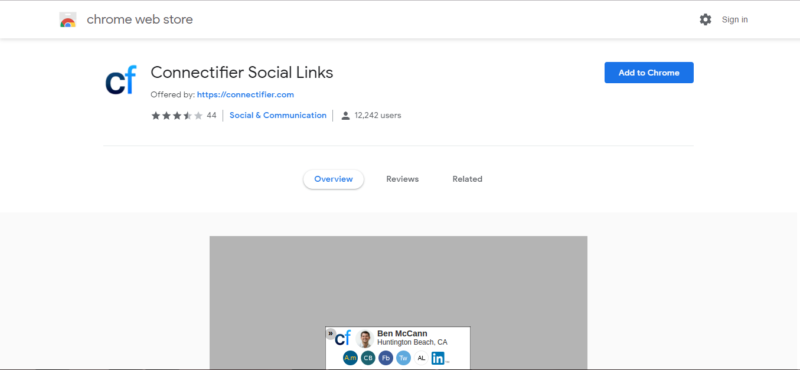
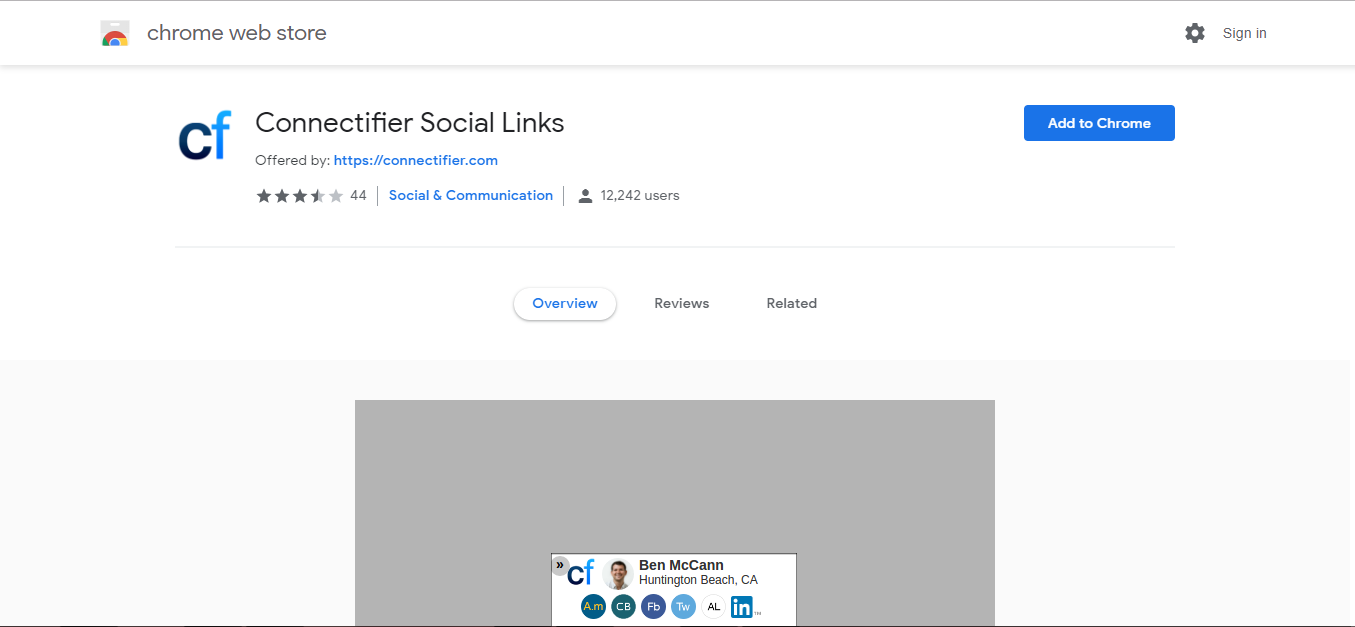
What does Connectifer do? Connectifier is a machine learning-based searching and matching technology to help recruiters and hiring managers find talent. Connectifier is a sidebar that appears in your browser to give you additional sourcing information for the best talent such as an email address, GitHub profile, or personal homepage.
Price: Free
The Good: Aggregates data from over 1 million public websites, provides candidate insight, works with the recruiting tools that you already use and helps provide more responses through message personalization. Just download the Chrome extension, input a name, and quickly collect the person’s social links, including Facebook, Twitter, and GitHub.
The Bad: Doesn’t provide contact information but the sister chrome extension, Connectifier, can provide the information you need. Cost is upwards of $500/month.
Limitations: No ability to pull contact information.